Local AI in 2026: the complete guide
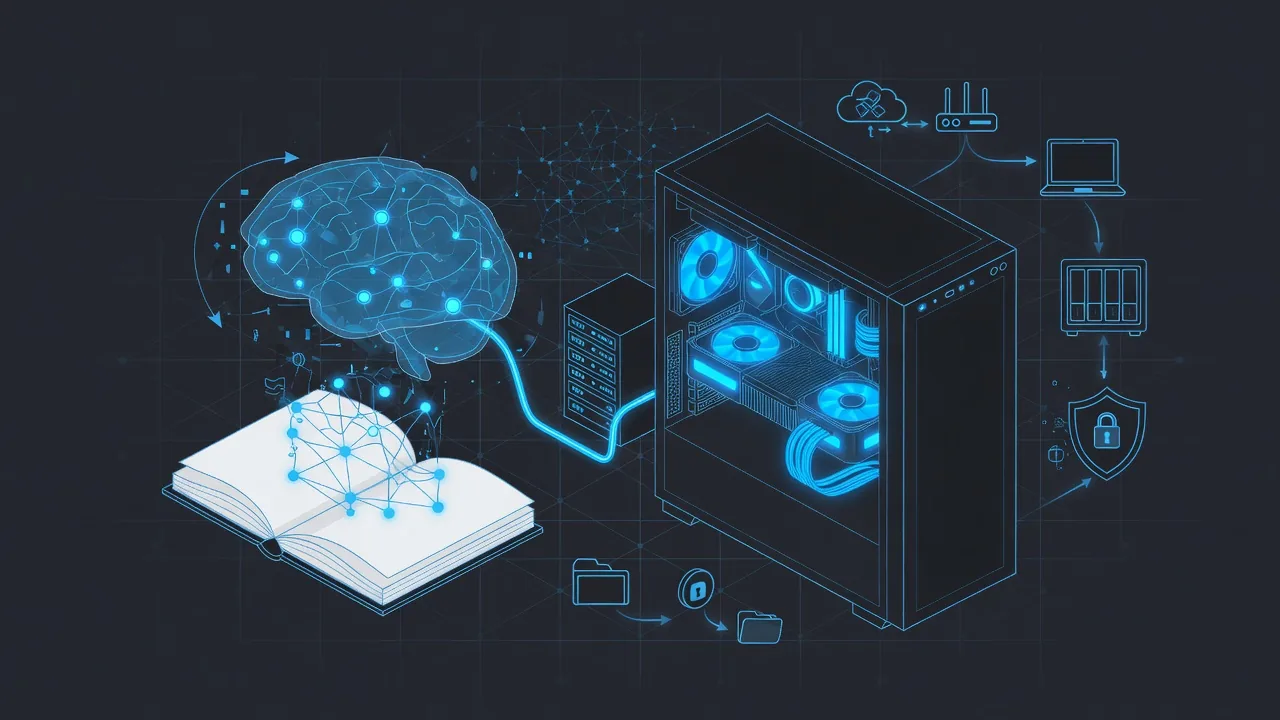
Running AI models at home, without sending your data to a third party and without a bill that keeps climbing, is now within reach. This guide gathers everything you need, from choosing hardware to deployment, based on setups actually tested (RTX 5080, Strix Halo, Xeon server, dual-NUMA).
Whether you want a "private ChatGPT" at home, an assistant that reads your documents or a full AI workstation, start with the fundamentals, then follow the detailed guide for each step.
Need help choosing your setup?
Understand the fundamentals
Before buying anything, understand what actually drives local performance: video memory, model formats and dedicated chips.
Choose your hardware
NVIDIA GPU, Apple unified memory, Ryzen AI mini PC or cluster: every budget has its best setup. Here are hands-on reports.
Deploy and use
Once the hardware is ready, move on to real uses: an assistant that reads your documents, audio transcription, integration with your dev tools.
Optimize, secure, distribute
Going further: specialize a model, secure an exposed instance and spread inference across several machines.
Decide: local or cloud?
Local AI is not always the right answer. The break-even calculation and the open source model landscape help you decide.
How much VRAM for which model size?
A quick reference to size your hardware. Indicative values with Q4_K_M quantization (the best quality/size trade-off in 2026), with a moderate context of 8 to 16k tokens. Raw weight follows the rule of about 0.6 GB per billion parameters; the rest covers the context cache (KV cache).
| Model size | Q4_K_M weight | Recommended total VRAM | Typical hardware |
|---|---|---|---|
| 8B | ~4.9 GB | 8 GB | RTX 4060/5060, 16 GB Mac |
| 14B | ~8.5 GB | 12-16 GB | RTX 4070/5070, 24 GB Mac |
| 32B | ~19 GB | 24 GB | RTX 3090/4090/5090 |
| 70B | ~42 GB | 48 GB | 2× 24 GB RTX, RTX 6000, 64 GB+ unified memory |
For the full calculation (and the KV cache trap at long context), see the complete VRAM guide and choosing a GGUF quantization.
Local AI FAQ
What budget do you need to get started with local AI?
You can start for €0: a 7-8B model quantized to Q4 already runs on a recent laptop or a 16 GB Apple Silicon Mac. For comfortable, fast use, budget €300 to €700 for a 12-16 GB GPU (RTX 4070/5070), or €1,500 to €2,000 for a unified-memory machine (Mac Studio, AMD Strix Halo) able to load a 70B model. Beyond that, you are into workstation hardware (RTX 5090, multi-GPU).
How much VRAM do you need to run an LLM locally?
The simple rule: with Q4_K_M quantization, count about 0.6 GB of VRAM per billion parameters, plus headroom for the context cache (KV cache). An 8B model fits in 8 GB, a 14B in 12-16 GB, a 32B needs 24 GB, and a 70B about 48 GB. The table above details these thresholds.
Can you run an LLM without a graphics card, on the CPU alone?
Yes. llama.cpp and Ollama run on the CPU with regular RAM. It is slow but usable for small models (3B-8B): a few tokens per second on a modern CPU. The limiting factor is not compute but memory bandwidth. For a bigger model, a dual-socket server with many RAM channels remains a cheap option, at the cost of latency.
Local AI or cloud API: which one?
The cloud (Claude, GPT, Gemini) remains unbeatable on raw quality and entry cost if your volume is low. Local makes sense for three reasons: privacy (your data never leaves), no pay-per-use bill, and full control. On cost alone, the break-even point sits around several tens of millions of tokens per month; below that, the API is cheaper.
Can you have a real "private ChatGPT" at home?
Yes. By pairing a local runtime (Ollama, llama.cpp) with a web interface such as Open WebUI, you get a private chat assistant with history, and even document reading through a RAG pipeline. Everything stays on your machine, with no Internet connection required once the models are downloaded.
Are local models as good as Claude or GPT?
Not yet on the most demanding tasks (complex reasoning, large-scale code), where frontier models keep a clear lead. But the gap has narrowed sharply: the best open models of 2026 (DeepSeek, Qwen3, Mistral, Llama) are more than enough for writing, summarizing, translation, everyday coding help and document RAG. For most daily uses, the difference is hard to notice.
Going further
Have a setup in mind or a specific AI project? I offer independent guidance (hardware choice, cloud GPU, deployment), from someone who uses these tools every day.